
How to Secure Your Rural Property With Satellite and 5G Internet


Andreas Rivera
Nov 20, 2026
Icon Time To Read3 min read

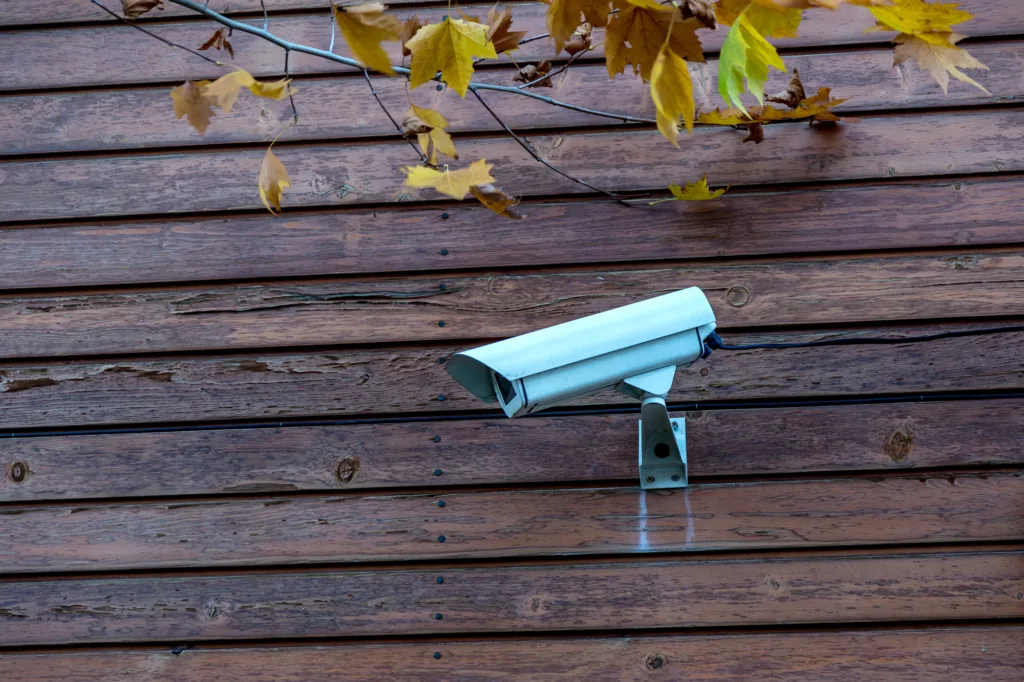
Security cameras that provide live alerts and footage for rural properties are a possibility thanks to advances in wireless internet providers. | Image by depositphotos

For those with second homes, cabins, or ranches, security is usually top of mind, but rural locations often lack many tech solutions. Fortunately, satellite and wireless internet providers are now widely available and can support security devices. When you're away from your investment, you may take on more risk because it's tucked far away and vulnerable to intrusion, fire, and weather damage.

Pairing reliable internet with security systems can provide peace of mind for high-risk properties, and some insurance companies reward customers with policy discounts of up to 5 to 20 percent, depending on how comprehensive your system is. 

"Installing security at your rural property used to mean hoping for the best if someone broke in or started a fire," CEO of cybersecurity firm RedSecLabs Rafay Baloch told SatelliteInternet.com. "Now, thanks to low earth orbit satellites (Starlink) and 5G FWA (T-Mobile & Verizon), those days are a thing of the past."

Baloch suggested essential components, including Starlink, a cellular failover router, and a few solar-powered cameras connected to digital storage. Starlink and 5G options are reliable enough to run CCTV systems and smart alarms.

What speed do I need for a home security system?

Remote motion alarms or smoke detectors require very little speed to function. However, when running a live security feed, upload speed is the most important factor. It also depends on your equipment and coverage area. Legacy satellite internet and early fixed-wireless didn't have the upload capability or low enough latency to provide a clear, reliable video feed. Safewise recommends at least 4 Mbps for most camera systems. The higher the camera quality and the more cameras you have, the more upload you'll need. 

Starlink rates its typical upload speeds at 15 to 35 Mbps, which is plenty to support several cameras for live feeds and more than enough for simple devices like an Amazon Ring doorbell. Since Starlink is satellite internet, its reliability is typically consistent throughout the U.S. as long as you have a clear view of the sky and you're not in a high-capacity area. 

5G fixed-wireless devices are also capable of handling remote security. For example, T-Mobile 5G Home Internet claims it delivers 12 to 55 Mbps of upload speed. However, with a 5G connection, performance depends on location, primarily proximity to cellular towers. Fixed-wireless is typically more affordable than Starlink, but in rural locations, it can be limited if it's too far from a tower.  

Keeping your security system secure

A remote security system can only be as secure as the network it's connected to, according to Baloch. A few basic steps can help keep your rural internet connection up so your remote security stays online and you can be alerted to threats. 

With any internet connection, it's essential to keep hardware firmware up to date. Thankfully, most modern routers update automatically, but if you're having trouble connecting, updating everything is a common troubleshooting step. 

Wireless 5G gateways can work indoors, but Starlink satellite dishes must be outside. Weather events can disrupt the satellite signal; for example, heavy wind can misalign or knock the dish over, so secure it tightly during installation. Furthermore, install it high up and out of sight, if possible, to prevent tampering.  

Bottom line

Unless you were fortunate enough to have a hardwired internet connection (cable, DSL) run to your rural property, remote security was an impossibility. Now rural internet is widely available and as reliable as any broadband service. To help prevent the worst from happening to your cabin, ranch, or any rural property, consider investing in satellite internet or 5G wireless paired with a reliable security system.

FAQ

Cameras that stream or upload continuously to the cloud can use hundreds of gigabytes a month, especially at high resolution. If your plan has a data cap or you use a limited-data plan, set cameras to record only when they detect motion. You can also lower the resolution on cameras that cover less important areas.

Use a battery backup (UPS) for the router and dish to keep them running through short outages. Solar power is also a backup option.

Starlink’s Standby Mode costs $10 a month and keeps a low-speed 500 Kbps connection for essential, low-bandwidth tasks. That may be enough for text alerts from a motion sensor or smoke detector, but it won't handle live video.

Ideally, both. Local storage keeps recording even when the internet is down. Cloud storage protects footage if someone steals or damages the camera or recorder.

Andreas Rivera
Written by
Andreas Rivera is a lifelong writer with a decade-spanning career in journalism and marketing. He comes to SatelliteInternet.com with several years of experience writing about business and technology. His passion for researching the latest advancements in tech, especially the now essential need for reliable internet access, fuels his goal of educating others about how these innovations affect and improve our everyday lives. When not researching and writing about SatelliteInternet.com, you’ll likely find him buried in a good book or enjoying the great outdoors with a fishing rod.