Once you've chosen your preferred RV internet provider, it's time to get it ready for your trip. Luckily, both of our preferred solutions are incredibly easy to set up in your vehicle.
Starlink RV setup
When using Starlink on the road, there's a bit of DIY and some extra hardware, but it's still simple.
Starlink sells vehicle-mounting kits for all its dish models, with a detachable option for roof racks or a permanent mount. The official kits come with step-by-step installation guides for mounting, with a list of tools you'll need.
There are also third-party mounting kits available online, including less invasive options like suction cup mounts that attach to sunroofs. The Starlink Mini is much easier to set up, and sometimes only needs to be secured to your dashboard.
Powering the Starlink Mini
The Starlink Mini is incredibly power-efficient. While standard Starlink LEO dishes draw 75 to 100 watts of continuous power, the Mini operates at a mere 20 to 40 watts and drops to about 15 watts when idle. This makes it a game-changer for off-grid power management.
-
Standard Power: The base kit includes a standard AC power supply and a heavy 50-foot direct current cable.
-
12V Vehicle Adaptor: If you want to work from your dashboard or power the dish directly from your RV’s 12V or 24V socket, Starlink sells an official Mini Car Adaptor for $45, which includes the necessary USB-C cable.
-
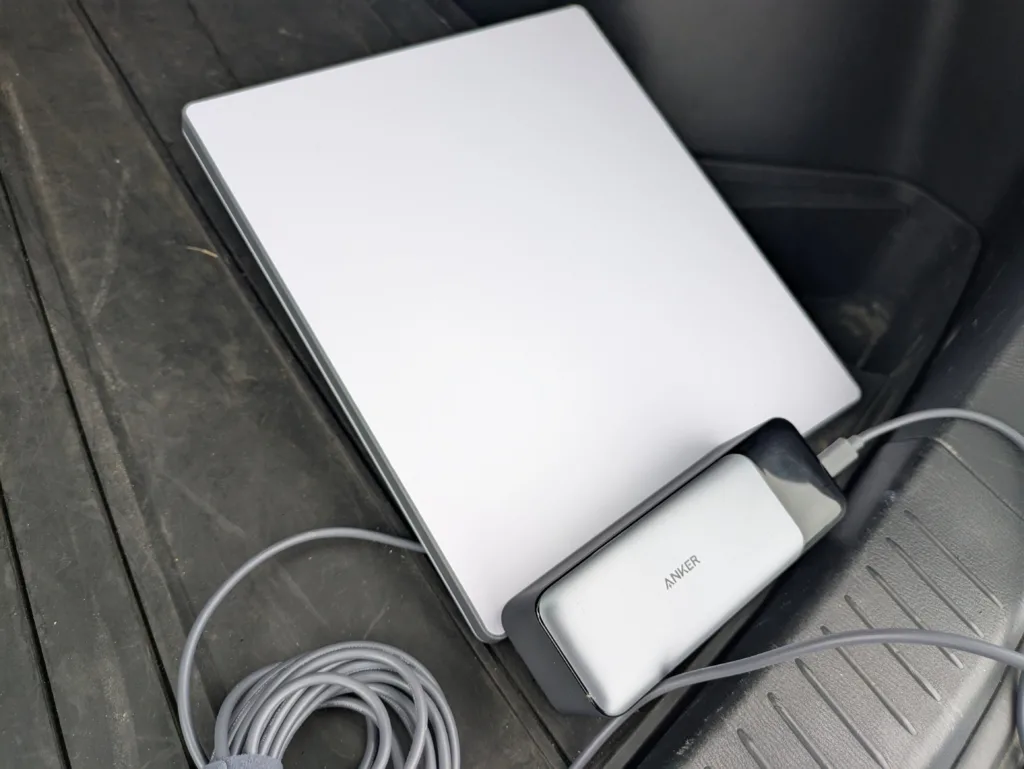
Power Banks and Third-Party Batteries: The Starlink Mini requires a 100W power source functioning precisely at 20V and 5A. High-capacity laptop power banks work perfectly for this. Alternatively, third-party battery bases that clip directly onto the back of the dish are now available for an all-in-one cord-free setup.
-
The Cable Catch: If you’re opting for a USB-C setup, use Starlink’s official 16-foot USB-C cable. Generic third-party cables often fail to deliver the very specific power profile required to maintain the satellite connection.
T-Mobile AWAY RV setup
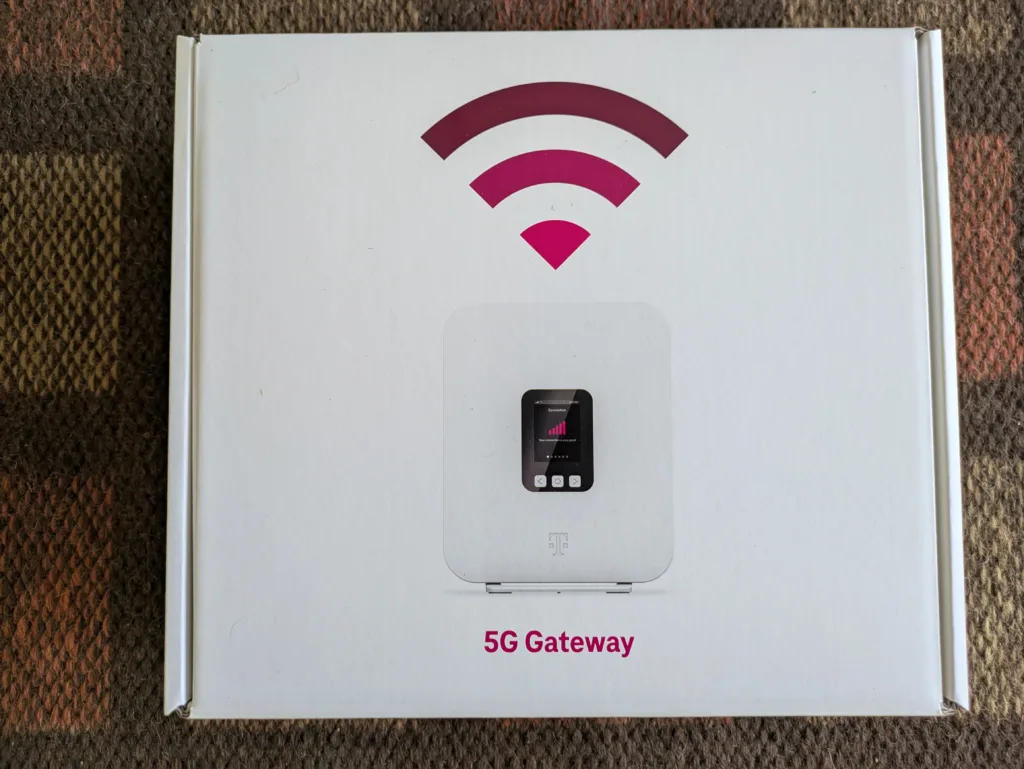
The T-Mobile AWAY Gateway device is even easier to set up in your vehicle. Since it uses a 5G signal, which isn't as affected by obstructions as a satellite signal, it doesn't need to be installed outside the vehicle. It just needs to be secured somewhere in your RV, preferably near a window, to get the best signal.
Powering T-Mobile AWAY in Your RV
The T-Mobile AWAY 5G Gateway is primarily designed to run on standard 100–240V household electricity. While this is easy if your rig is plugged in at an RV park, you'll need to get a little creative if you're traveling off the grid:
-
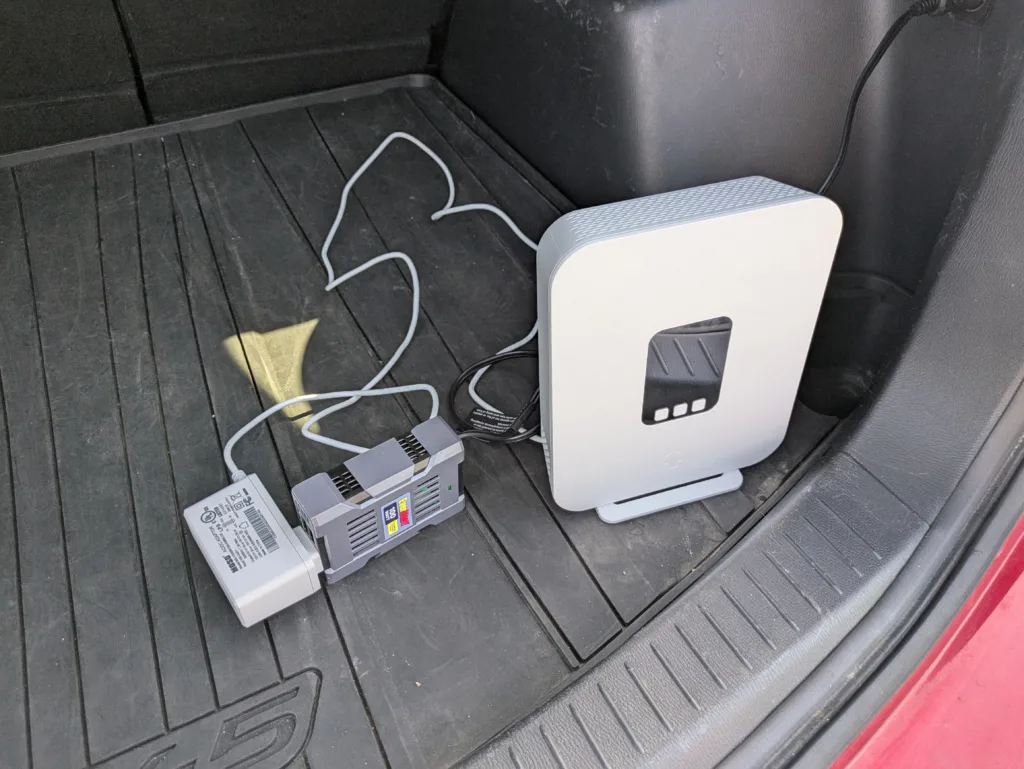
DC Power Inverters: If you want to run the gateway while driving or off your RV’s 12-volt battery bank, you will need a DC power inverter. A basic 100-watt inverter plugged into a 12V auxiliary socket (cigarette lighter) is more than enough to keep the gateway running smoothly.
-
Portable Power Banks: For maximum portability, the T-Mobile AWAY gateway can be powered by a portable power bank connected via a USB-C cable. You need a battery rated for at least 100 watts (the kind used to charge laptops, like the Anker 737). The gateway is relatively power-efficient; running it off a 100W bank for 30 minutes typically drains less than 10% of the battery.





 10 min read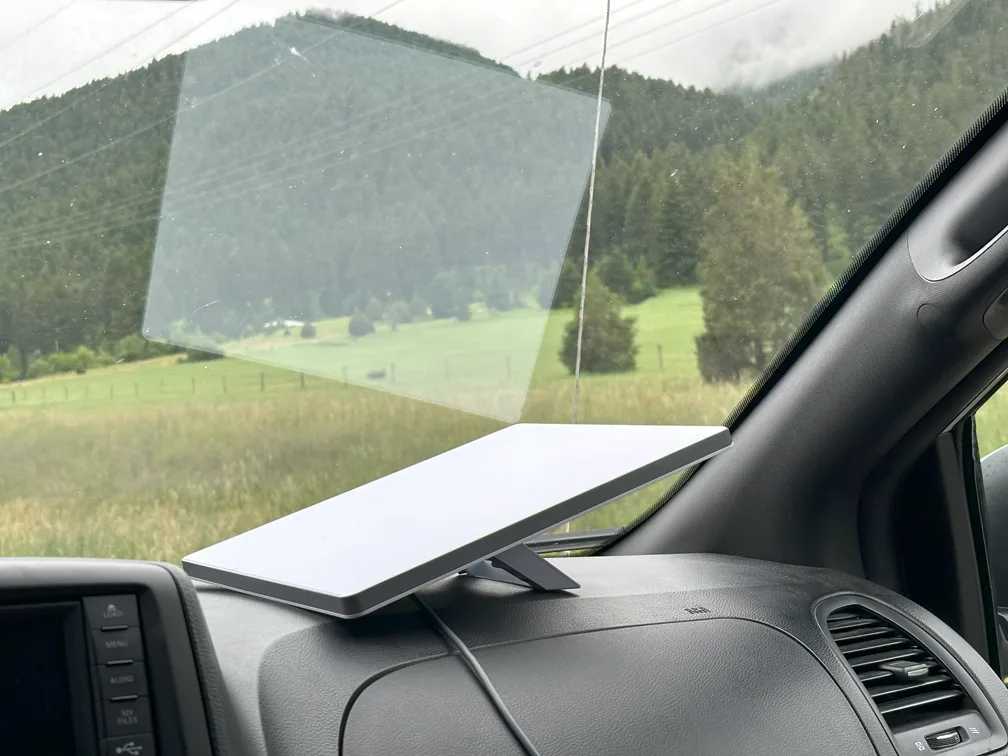






 Your Privacy Choices