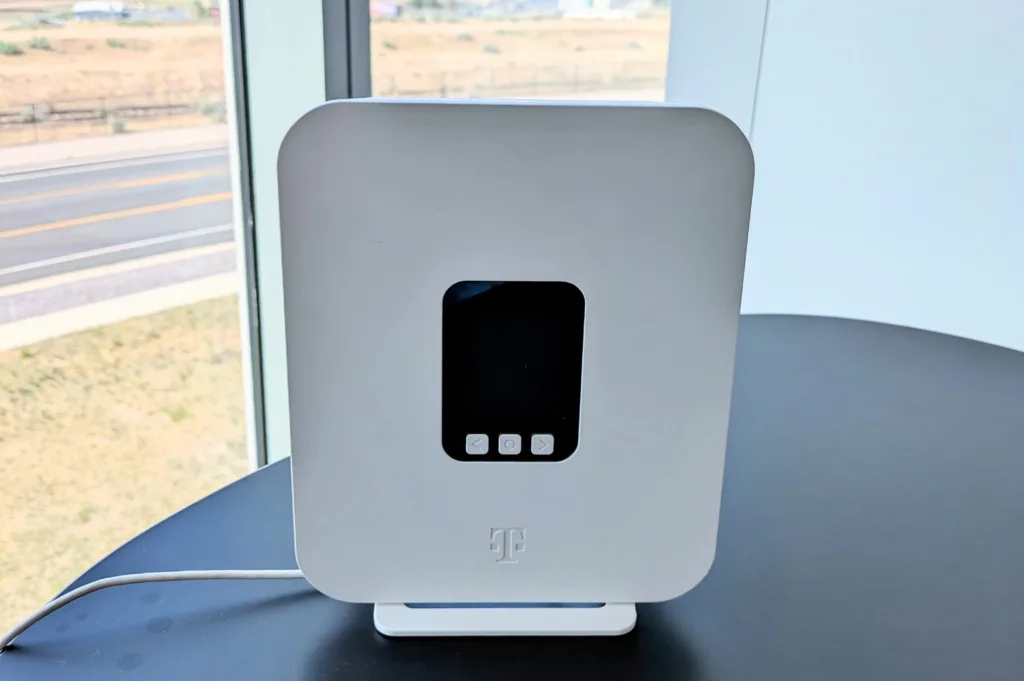
T-Mobile Backup Internet is simple to set up and has two modes of operation. It uses the same plug-and-play gateway router that both receives the 5G signal and distributes the Wi-Fi to your devices. There's nothing else to install.
The backup router has an Automatic Connection mode that switches on immediately when it detects, via your primary router, that your primary provider is experiencing an outage. The T-Mobile Wi-Fi connects immediately to your devices, so ensure it's set up on them.
You can also manually turn on your backup connection. If your internet connection has a spotty signal, you may want to turn on your backup connection.
Having redundancies, meaning multiple types of different connections, can prevent issues from the smallest headaches to the biggest of catastrophes. So it's recommended that if you use a wired connection, try a wireless one as a backup, or vice versa. Both types will rarely go down at the same time.
For high-speed rural internet, satellite is an increasingly popular internet solution, but it's not immune to slowdowns and outages. Weather is often the cause of satellite outages, with storms and heavy cloud cover interrupting the signal. 5G internet is less affected by the weather and can be a solution for backup internet to satellite.
To really determine if having a backup internet solution is worth it to you, you should do a quick ROI breakdown. How much could an internet outage cost your business in sales, or how much time in productivity when working from home? Paying $10 to $20 per month can potentially pay for itself.
At $10 to $20 a month, the peace of mind alone makes it worth it for anyone whose paycheck relies on an active internet connection. T-Mobile offers a 15-day worry-free test drive to see if your home gets a strong enough T-Mobile signal to support the backup system.



 2 min read



 Your Privacy Choices